
# Sign in and Profile
To access KPro Marketing, you must first be registered as Housing provider and then, you should designate the person responsible of the user management.
In KPro Marketing, we will create the user for that person with all the roles, who can then create and assign roles to all the users that can access the platform.
# On this page
# Sign in
Sign in by using your email and password.
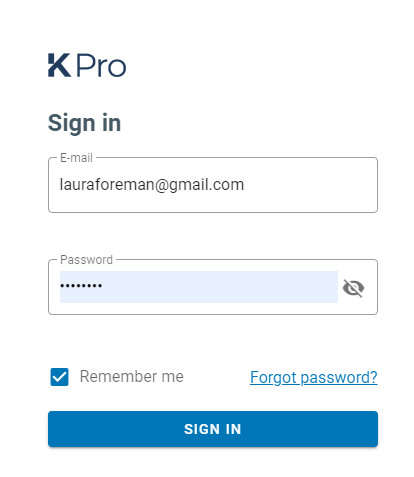
Check the option 'Remember me' if you want to avoid going though the signing in process every time you start a new session, but do that only if you are accessing KPro Marketing from a trustable device. You can always use the option 'Sign out' to reset this behaviour.
In case you forgot the password. Click on the 'Forgot password?' option and enter you e-mail address to get a e-mail with a link to KPro Marketing to reset you password.
# Profile settings
Once you have accessed KPro Marketing, you can edit your user profile from the drop-down menu displayed when clicking on the button with Your name on the right top corner.
The modal window contains two tabs.
# Update
There are two sections, one to update your name or phone, and another to reset your password.
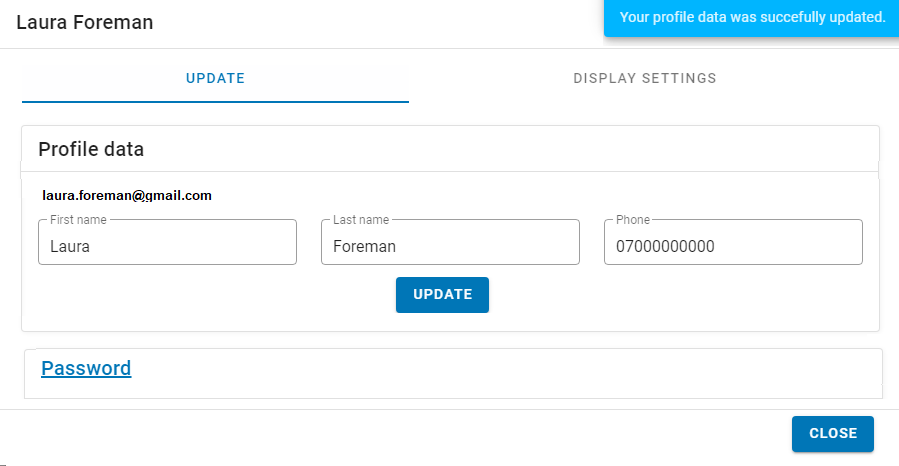
Once you have updated your profile, a confirmation message will be displayed. To reset you password you need to confirm the current one.
# Display settings
From this tab, you can define your preferences for displaying information, such as the date and time format and also the unit of area.
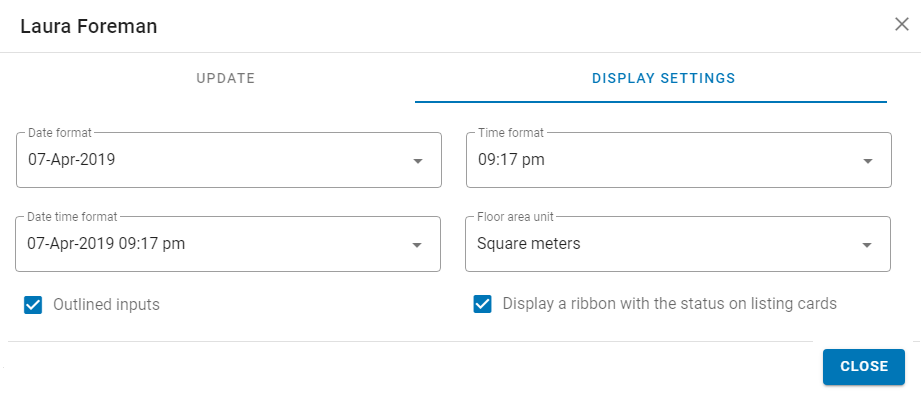
By default text fields in all pages have a stroked border, but if you want to remove the borders just uncheck the option 'Outlined inputs'.
You can also decide if you prefer to display a ribbon with the availability status name of the listing on cards or not. If you uncheck this option, a thin coloured line will be shown on the bottom of the images.
# Refresh
To provide users a better experience, data that are highly unlikely to change, are stored in the browser cache and are only updated after some period of time.
New versions of the App are automatically updated, although it can take some minutes between the new version is released and it's updated in your browser, but do not worry, this process will never interrupt any action or task you were doing.
If you want to get the fresher copy of stored-in-browser data, or check and update the App with the latest available version, use this option.
# Sign out
Sessions last 30 minutes, which means that if you did not check the option 'Remember me' when signing in, you will need to sign in again after 30 inactive minutes. Although if you want to make sure nobody can access the system on your name, just click on the 'Sign out' option once you have finished using KPro Marketing.
Clicking on this option will also reset the 'Remember me' behaviour.